
This issue appears when the lens on the camera is set to AF (autofocus). We have always found it better to use manual focus over autofocus. This is because Social Booth will malfunction if the camera cannot lock focus. If this happens, the software will need to be restarted, along with the camera.
Solution
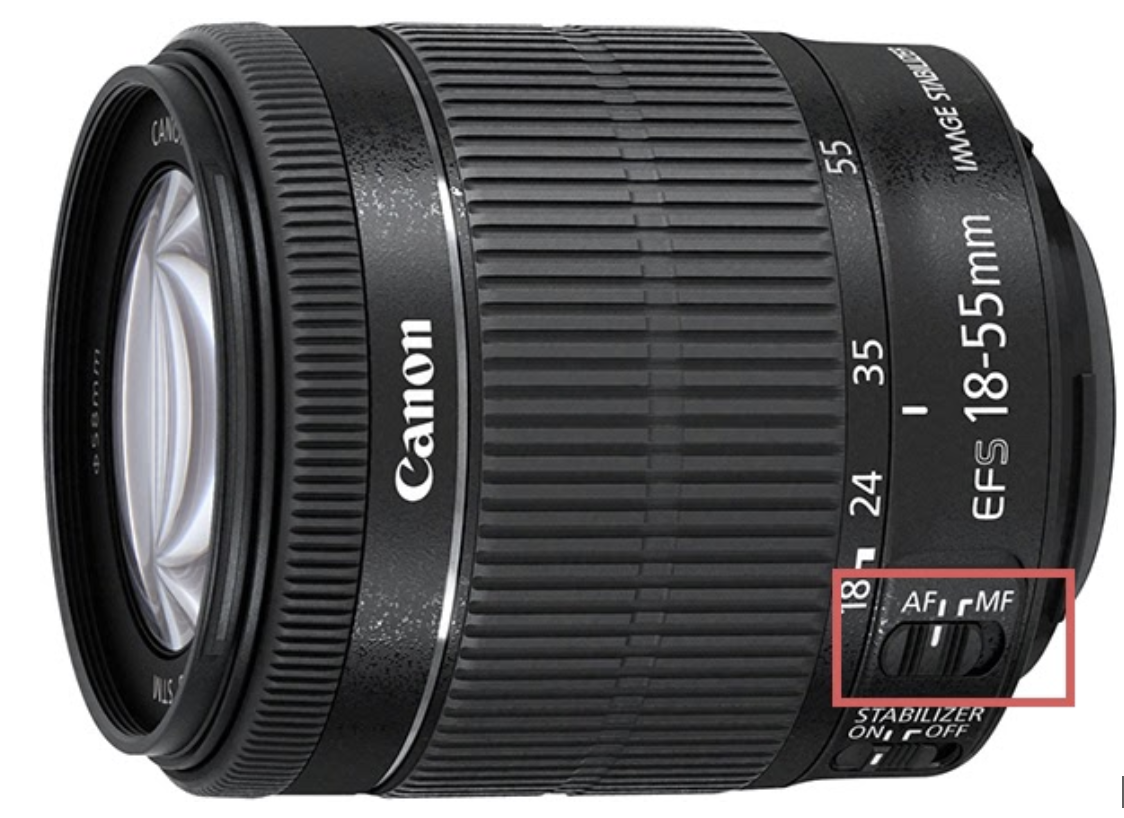
The simplest way to remedy this issue is to set the camera to manual focus. You can do this by switching the slider on the lens to the MF position, for manual focus.
Step 1. Take off the front panel of the selfie booth by unscrewing the 6 screws. Be careful to disconnect the surrounding LED ring, while taking the front panel off.
Step 2. Stand in front of the booth (3-4 feet distance) and take pictures while the front panel is off to let the camera focus on you.
Step 3. Put the lens on MF by switching the toggle button on the lens and leave it on MF.
Step 4. Screw the front panel back. Don't forget to connect the surrounding LED ring.
Your issue is fixed!