On of the Selfie Booth features is "Branded Booth" - it's a branding on the of the booth. You can print your branding and logo and place it on the backside of the booth.
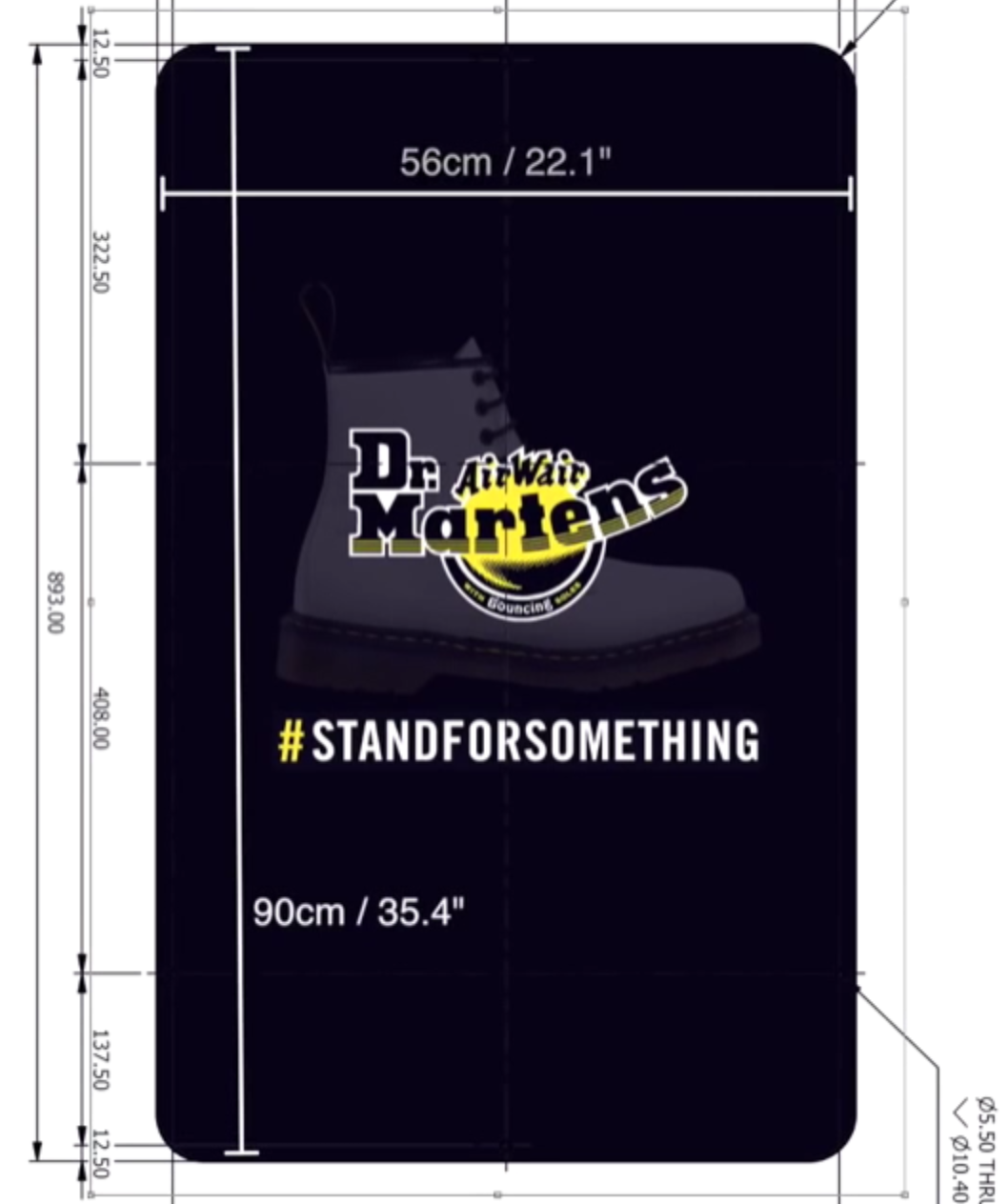
- Design your branded booth. Size: 22.1"x35.4"
- Copy the designed file to the USB drive.
- Go to FedEx Office.
- Find the Printing section with assistant
- Give the USB drive with a branded booth designed file to the assistant
- The FedEx assistant will put the file into their system. Make sure they keep the exact sizes.
- The FedEx assistant will ask which paper you'd like to choose. Pick the paper type - it's really up to you.
- FedEx will print the design probably on the same day or in a couple of hours, it depends on the paper type you have selected.
- Once you get the printed paperback take it to the booth.
- You would need to cut the edges a little, trim it if neccessary to make it fit the backside of the booth.
- Unscrew the back panel of the booth.
- Place the printed paper between the metal sheet and the clear plastic of the booth.
- Screw the back panel back to the booth
- Done.